The free vs paid antivirus debate has never been more relevant. Free tools have improved dramatically over the past five years. Windows Defender now earns top marks from independent testing labs. Bitdefender Free offers ransomware decryption tools at zero cost. Avast One Basic bundles a VPN, a software updater, and privacy tools without charging a cent.
So why do millions of users still pay $30 to $70 a year for a premium antivirus suite?
The answer is not about core malware detection. It is about everything around it: identity protection, VPN access, multi-device coverage, parental controls, and cross-browser phishing defense. Whether those extras justify the price depends entirely on who you are and how you use your devices.
This guide gives you a complete, honest breakdown so you can make that decision with full information. Use it alongside our dedicated articles for deeper dives: Best Free Antivirus Software in 2026: Top 5 Tested and Ranked, Is Windows Defender Enough in 2026?, and When Should You Upgrade to a Paid Antivirus?.
How free and paid antivirus actually compare?
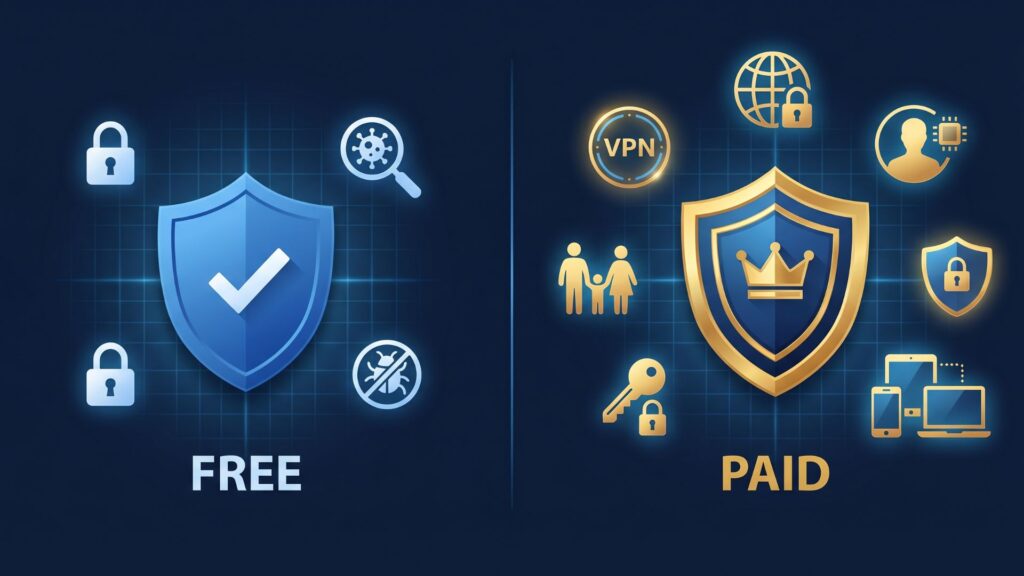
The quality gap between free and paid antivirus has narrowed considerably in 2026. Free options now handle basic threats effectively, though they still lack advanced features like unlimited VPN access, comprehensive identity theft protection, and dedicated customer support.
That narrowing is real and significant. A user running Bitdefender Free on a well-maintained Windows 11 machine, with sensible browsing habits and automatic updates enabled, is genuinely well protected against the vast majority of everyday threats. That was not true five years ago.
But the gap has not disappeared. Free plans cover the basics and not much else. No ransomware rollback, usually just one device, and support is basically nonexistent. Paid versions catch threats faster and come with extras like dark web monitoring and a password manager.
The question you need to answer is not “is free good enough in theory?” It is “is free good enough for my specific situation?”
What free antivirus covers in 2026?
Every reputable free antivirus in 2026 includes these core features:
- Real-time malware scanning
- Basic ransomware protection
- Firewall integration
- Automatic definition updates
- On-demand scanning
All legitimate free antivirus tools can detect and remove basic forms of malware like trojans, adware, and spyware. Many free versions now offer real-time scanning that prevents known malware from executing. Free antivirus software often includes browser extensions that warn about dangerous websites or phishing attempts.
For a user who sticks to mainstream websites, downloads software exclusively from official sources, and keeps Windows updated, that baseline is functionally adequate. For everyday users who simply want solid baseline antivirus security, the balance still makes sense and explains why this model continues to hold its ground.
What free antivirus cannot do?
The limitations of free antivirus are consistent across all major providers. Understanding them is the key to making the right choice.
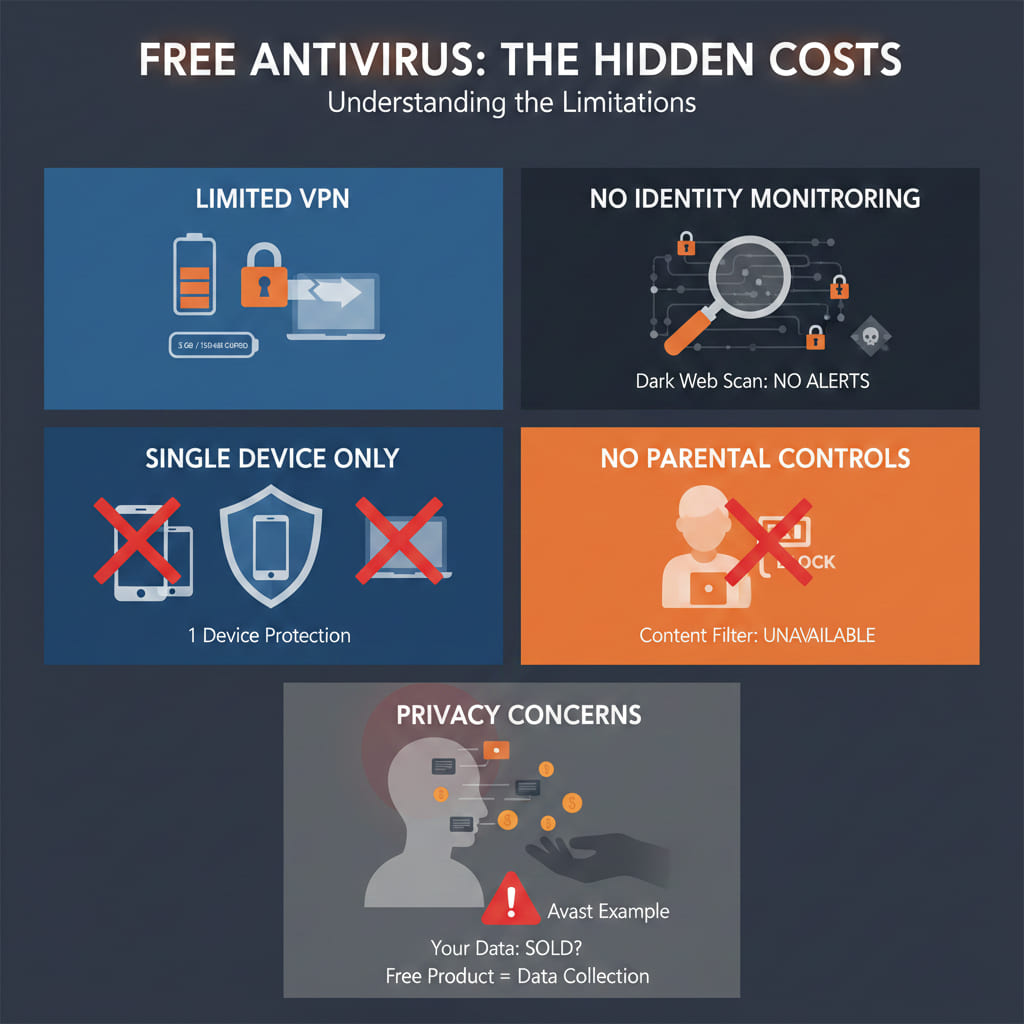
No unlimited VPN
Every major free antivirus caps VPN usage. Avast One Basic includes 5 GB per month. Avira Free offers a daily limit. Panda Free caps at 150 MB per day. When it comes to privacy tools, VPN access, and full security coverage, important gaps remain even in the best free options. For users who regularly connect to public Wi-Fi or work remotely, that cap runs out within hours.
No identity monitoring
Dark web monitoring is exclusively a paid feature. Free tools do not scan breach databases for your email address, financial details, or personal information. Premium antivirus often includes dark web scanning, password vaults, and secure banking environments. This means even if your data appears in breaches, you will receive alerts. Free tools offer none of this.
Single device only
Free antivirus tools usually protect one device. Paid versions cover multiple devices including PC, smartphone, and tablet under a single subscription, ensuring consistent protection across platforms. For a household with three or more devices, the math shifts quickly in favor of a paid family plan.
No parental controls
Parental controls are universally a paid feature. If children use your devices or their own, free antivirus provides no content filtering, screen time management, or safe search enforcement.
Privacy concerns
Some free tools have a history of collecting user data and selling it. Avast was found doing exactly that. When a product costs nothing, the business model shifts to data collection and advertising. Not every free antivirus does this, but it is a real risk worth factoring in, particularly for users who handle sensitive information.
What paid antivirus adds?
A premium antivirus suite in 2026 goes well beyond core malware protection. Here is what you actually get for $30 to $70 a year:
Paid antivirus programs use behavior-based scanning and AI-powered detection systems. These identify suspicious activity patterns, stopping ransomware or zero-day exploits before they execute. Paid versions frequently include two-way firewalls that prevent malicious apps from connecting to the internet.
Beyond the detection layer, premium suites bundle tools that would cost significantly more if purchased separately:
- Unlimited VPN (worth $40 to $60 a year standalone)
- Password manager (worth $20 to $35 a year standalone)
- Dark web monitoring (worth $10 to $20 a year standalone)
- Identity theft insurance (exclusive to premium tiers)
- Multi-device coverage for 5 to 10 devices
- 24/7 customer support
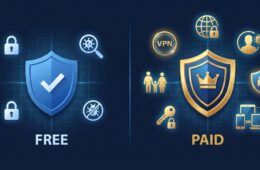
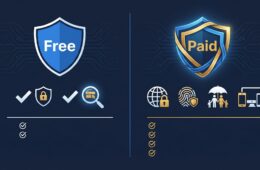
Free antivirus offers basic malware scanning and real-time protection, while paid versions add proactive security measures, protection from unknown threats, unlimited VPN access, password managers, identity theft protection, and multi-device coverage. Paid options also provide faster customer support and enhanced protection for online banking.
Free vs Paid: feature comparison
| Feature | Free Antivirus | Paid Antivirus |
| Real-time malware protection | Yes | Yes |
| Ransomware protection | Basic | Advanced with rollback |
| VPN | Limited (150 MB to 5 GB) | Unlimited |
| Dark web monitoring | No | Yes |
| Password manager | Rarely | Yes |
| Parental controls | No | Yes |
| Multi-device coverage | 1 device | 5 to 10 devices |
| Identity theft protection | No | Yes |
| Customer support | Email only or none | 24/7 live support |
| Cross-browser phishing | Partial | Full |
| System performance impact | Varies | Generally optimized |
| Annual cost | $0 | $19 to $70 |
The best free antivirus options in 2026
If free is the right choice for your situation, these are the tools worth considering. For full reviews of each, read our Best Free Antivirus Software in 2026: Top 5 Tested and Ranked guide.
Bitdefender Free is the strongest overall free option. Detection rates are near perfect and system impact is minimal. The main limitation is desktop-only coverage.
Avast One Basic adds a basic VPN and privacy tools on top of solid core protection. Upgrade prompts appear frequently but the free tier itself is genuinely useful.
Avira Free Security includes a VPN and password manager even on the free plan, making it the most feature-complete free option available. Cloud-based scanning keeps system impact low.
Malwarebytes Free is best used as a second-layer scanner alongside another primary antivirus. Detection rates are strong but there is no real-time protection on the free tier.
Windows Defender remains a solid baseline for Windows 11 users with careful browsing habits. For a full assessment of its strengths and limits, read our Is Windows Defender Enough in 2026? guide.
The best paid antivirus options in 2026
If upgrading makes sense for your situation, these are the most consistently recommended paid suites.
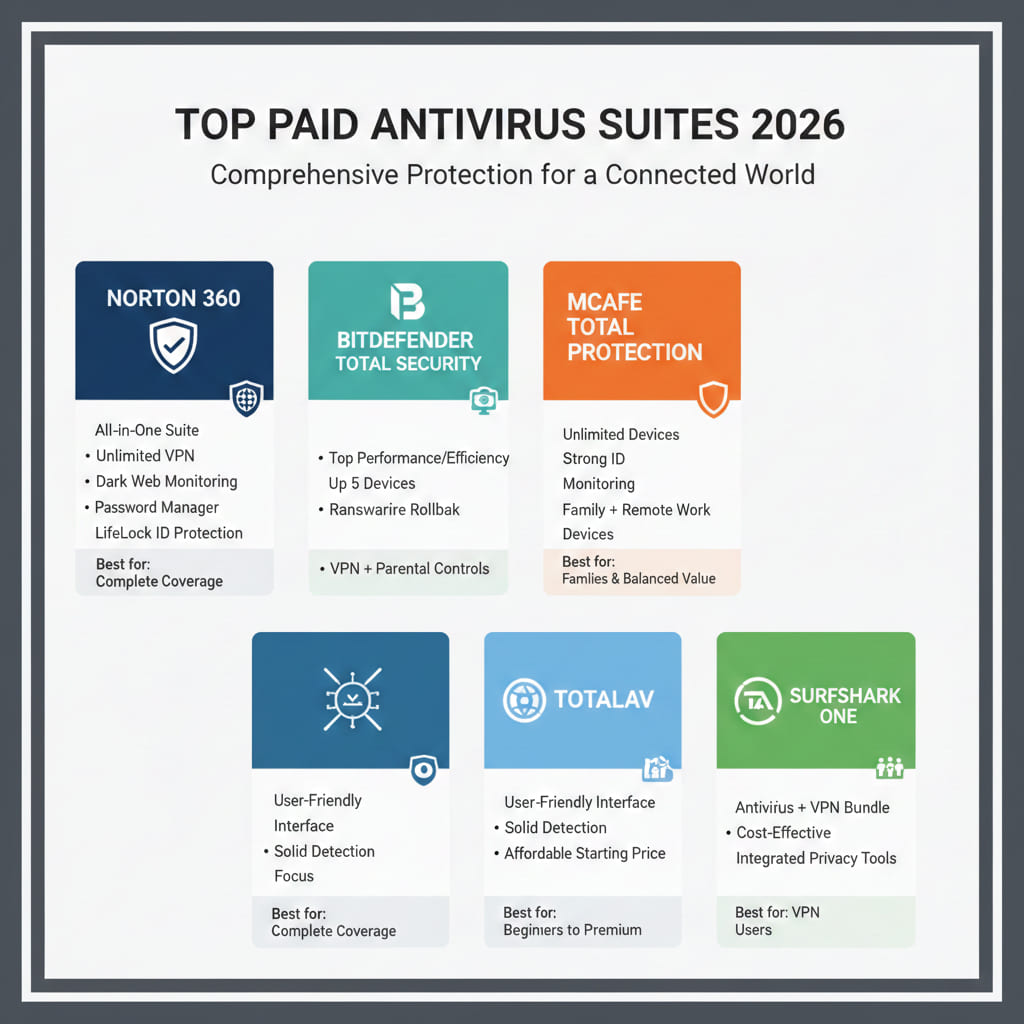
Norton 360 is the most complete all-in-one security suite. It bundles antivirus, unlimited VPN, dark web monitoring, a password manager, and LifeLock identity protection. Best for users who want one subscription to cover everything.
Bitdefender Total Security offers the best balance of detection performance and system efficiency at any price point. Covers up to 5 devices and adds ransomware rollback, a VPN, and parental controls.
McAfee Total Protection covers unlimited devices under a single subscription. Strong identity monitoring tools make it a good fit for families and remote workers.
TotalAV is the most beginner-friendly paid option. Clean interface, solid detection, and an affordable starting price make it ideal for users new to premium antivirus.
Surfshark One is the best choice if you already want a VPN. Bundling antivirus and VPN together costs less than buying either separately from most competitors.
Who should stay free and who should upgrade?
The decision comes down to your risk profile, not your budget.
Stay with free antivirus if:
- You use one device for basic browsing, email, and streaming
- You download software exclusively from official sources
- You never use public Wi-Fi
- You do not store sensitive work or financial data locally
- You already have a standalone VPN and password manager
Upgrade to paid antivirus if:
- You work from home with client or business data on your machine
- You regularly connect to public Wi-Fi
- You share devices with children or less tech-savvy family members
- You want identity theft monitoring and dark web alerts
- You need to protect three or more devices under one plan
- You use Chrome or Firefox as your primary browser
For a detailed breakdown of each upgrade trigger, read our When Should You Upgrade to a Paid Antivirus? guide.
One important warning about pricing
Introductory offers look cheap. Then renewal pricing shows up and it is higher. That is normal in this industry, though it still catches people off guard.
Norton 360 may advertise $29.99 for the first year and renew at $84.99. Bitdefender’s first-year promotional price often doubles at renewal. Always check the second-year renewal price before committing. A product that costs $25 in year one but $80 in year two is effectively a $80 product.
The practical approach is to buy one-year plans, compare renewal prices annually, and switch providers if a better deal is available. Most major antivirus providers offer 30-day money-back guarantees, which makes testing a paid suite risk-free.
The verdict
Free antivirus is genuinely good enough for careful, low-risk users in 2026. The tools are better than they have ever been, and for a single device used with sensible habits, free protection covers the real-world threat landscape adequately.
Paid antivirus is worth the money the moment your situation involves more than one device, sensitive data, public Wi-Fi use, or a need for identity protection. The bundled extras in a $40 per year suite routinely replace tools that would cost two to three times more if purchased separately.
The worst decision is not choosing free or paid. It is running no protection at all, or running outdated software that has not been updated in months.
Given how much the gap between free and paid has narrowed in 2026, do you think most users are still overpaying for protection they could get for free?