There was a time when recommending Windows Defender as your only security software would have raised eyebrows in any IT conversation. That time has passed. In 2026, Microsoft’s built-in antivirus is a genuinely capable product that protects millions of PCs every day without costing a cent.
But capable does not always mean sufficient. Whether Defender alone covers your needs depends entirely on how you use your computer, what data you store, and how much risk you are willing to accept. This guide gives you a straight answer based on real testing data.
If you are already comparing free options beyond Defender, our Best Free Antivirus Software in 2026: Top 5 Tested and Ranked guide covers the strongest alternatives. And if you are weighing the full free vs paid question, check out our Free vs Paid Antivirus: Is It Worth Paying in 2026? article.
What Windows Defender actually does in 2026
Windows Defender is not a simple file scanner anymore. It is a full protection stack integrated into the operating system, including real-time scanning, behavior monitoring, and cloud-delivered protection that continuously checks files, apps, and processes as they run.
Here is what you get out of the box at no cost:
- Real-time malware protection
- Firewall and network monitoring
- SmartScreen for web and download reputation checks
- Controlled Folder Access for ransomware protection
- Automatic updates through Windows Update
- Offline scanning capability
Microsoft Defender Antivirus provides the primary malware protection in Windows 11. The antivirus engine scans files when they are opened or executed, monitors running processes for suspicious behavior, and uses cloud-delivered intelligence to identify newly emerging threats.
That is a solid foundation. The question is whether that foundation has any cracks worth worrying about.
How does Defender compare to paid antivirus?
Independent testing labs run rigorous comparisons every year. When comparing Windows Defender to third-party antivirus in 2026, independent lab tests like AV-TEST and AV-Comparatives show that Microsoft’s built-in solution often comes very close to paid products in protection scores. Detection rates are typically very high, often matching or exceeding top-tier paid antivirus products.
That is a significant shift from even five years ago. Windows Defender is no longer a second-tier product. Independent testing consistently places it as competitive with paid alternatives for core malware detection. It is capable, free, and deeply integrated with Windows in ways external products cannot match.
Where does it fall short? Two areas stand out.
First, zero-day threats. Protection against new and unknown malware is good, but sometimes slightly behind the very top paid solutions. This gap is narrow but real.
Second, phishing outside Microsoft Edge. Defender’s anti-phishing protection is limited to Microsoft Edge. If you use Chrome or Firefox, SmartScreen does not protect you against malicious links the same way it does inside Edge. This is a meaningful gap for most users.
What Defender cannot do
Beyond detection rates, the bigger limitations are in features rather than core protection.
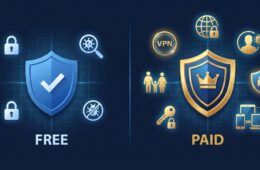
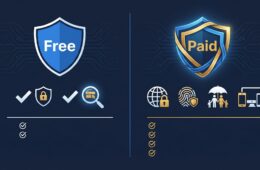
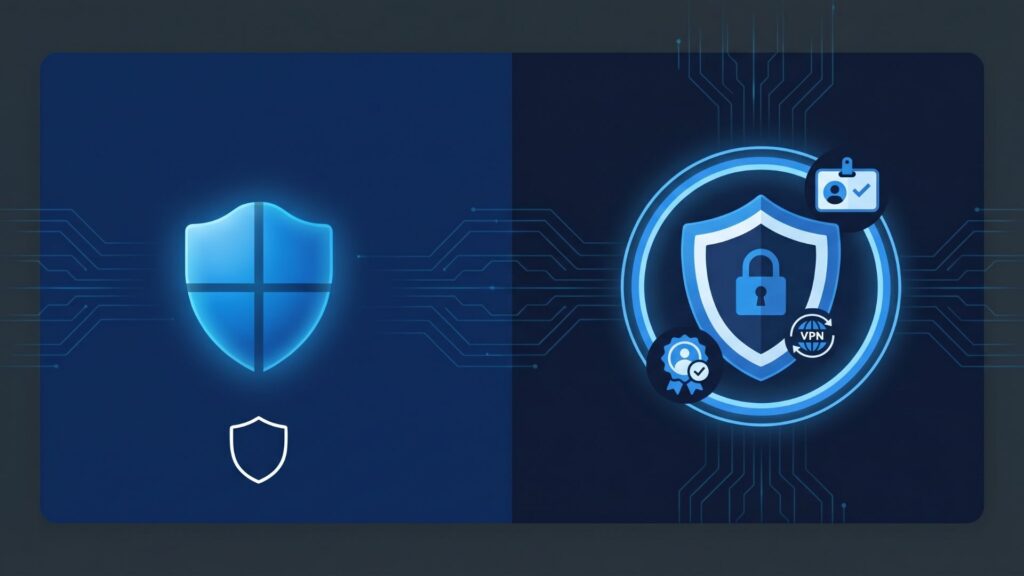
Defender won’t protect your identity or alert you to dark web leaks. Beyond blocking malware, the extra features that paid suites bundle in, like VPN access, password management, and identity monitoring, are simply absent.
You might want to consider a third-party solution if you share devices with family members who may not be as careful, or if you want services like identity monitoring or parental controls. These are not covered by Defender at all.
The performance angle is also worth noting. During full scans or heavy file operations, Defender can slow down budget or older PCs more than some lightweight third-party competitors. If your machine is already running slow, this is something to factor in.
Is Windows Defender enough: the honest answer
| User type | Is Defender enough? |
| Casual browser, mainstream sites only | Yes |
| Remote worker handling client data | No |
| Student with one laptop, careful habits | Yes |
| Family with shared devices | No |
| Frequent downloader, torrents, cracks | No |
| Tech-savvy user, updated Windows 11 | Yes |
| Small business with sensitive data | No |
| Someone who only uses Microsoft Edge | Yes |
| Chrome or Firefox user | Partially |
For the majority of home users who keep Windows updated, buy software from official sources, avoid unexpected email attachments, and use different passwords for different accounts, Windows Defender in 2026 provides protection that is functionally comparable to paid alternatives for the threats they are most likely to face.
That is a precise and honest summary. Sensible habits plus Defender equals solid baseline protection for most people.
When you should upgrade beyond Defender
Three situations make upgrading a clear decision rather than a judgment call.
If you handle sensitive professional data, are a freelancer managing client contracts or personal information, a small business owner with customer data on your machine, or anyone for whom a breach would have professional or legal consequences, the calculation changes significantly. Defender’s gaps become real risks in those contexts.
If you use Chrome or Firefox as your primary browser, you lose SmartScreen’s phishing protection entirely on those browsers. A third-party antivirus with cross-browser protection fills that gap directly.
And if you want bundled extras like a VPN, password manager, or dark web monitoring without paying for each separately, a paid security suite typically delivers better value than piecing those tools together individually.
How to make sure Defender is running properly
If you decide Defender is enough for your situation, at least make sure it is configured correctly. Many users unknowingly run with weakened settings.
Windows antivirus protection is usually sufficient when Windows 11 runs with default protections enabled, updates are installed regularly, and software downloads are deliberate.
Four quick checks to run right now:
- Open Windows Security and confirm real-time protection is on
- Make sure Controlled Folder Access is enabled under Ransomware Protection
- Check that Windows Update is set to automatic
- Confirm SmartScreen is active under App and Browser Control
Smart App Control takes a stricter approach than SmartScreen. Instead of warning you, it can outright block apps that are unsigned or do not have a known reputation. Enable it if you want an extra layer of protection without installing anything new.
Given how much Windows Defender has improved in recent years, do you think most people are still paying for protection they do not actually need?